Home / Use Cases / Product Launch & Media Kits
Product Launch & Media Kits

Design the reveal as carefully as the product story.

A product launch kit is a sequence, not simply a box of branded objects. It has to orient the recipient, reveal the central idea in the right order and make the next action clear without competing with the launch itself.
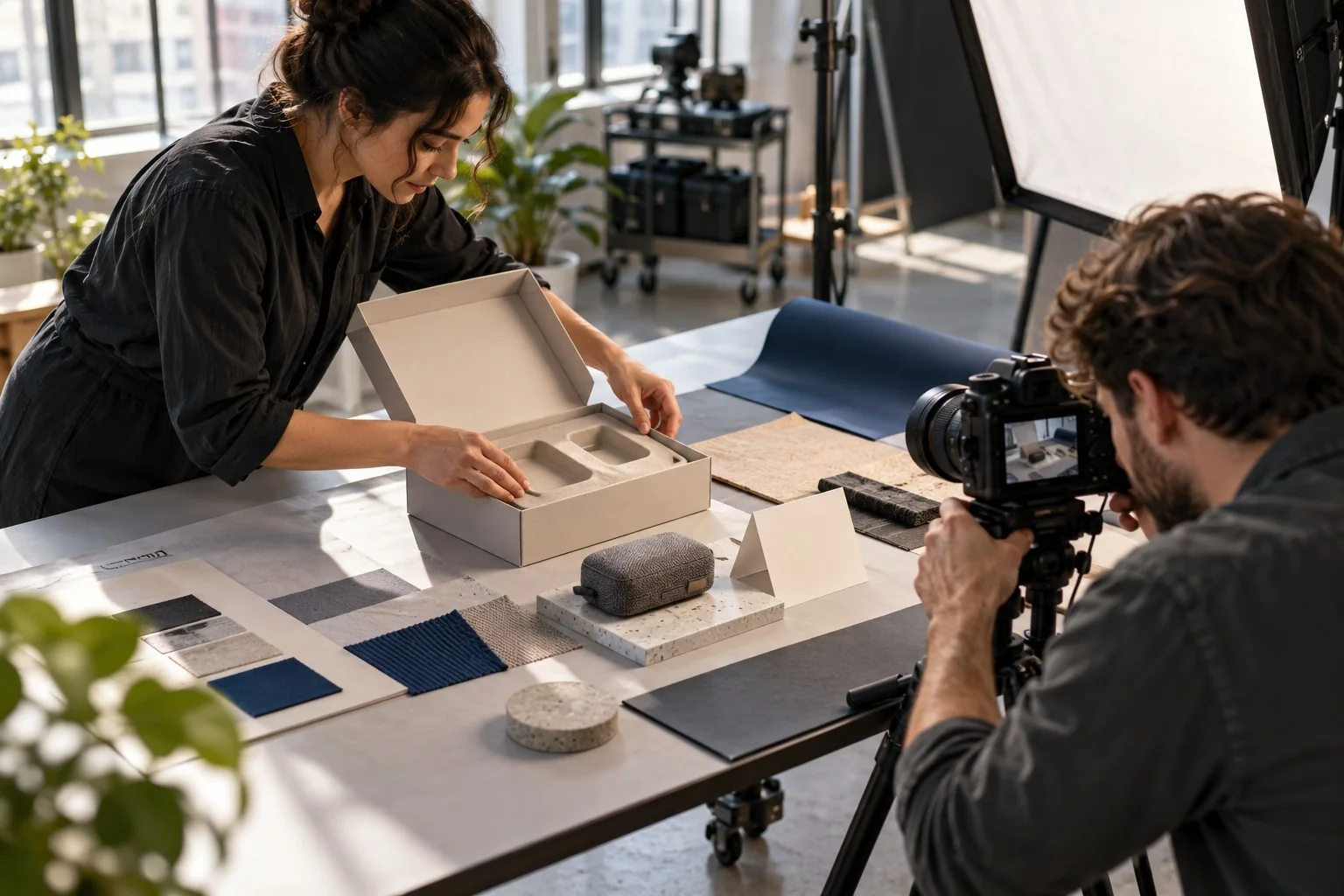
A producer and photographer arranging a launch package and materials for a studio shoot
Launch communication

Every layer should advance the story.

Media recipients, creators, sales teams and priority customers may need different context. The packaging architecture should control attention while keeping the core launch message intact.

01

Lead with the idea

Identify the one product truth or campaign thought the recipient should understand first.

02

Build the reveal

Use sequence, restraint and physical placement to direct attention through the package.

03

Prepare the response

Connect the opening experience to coverage, demonstration, sales use or a launch conversation.

Four launch presentation routes

Decide what the recipient must understand, test or show.

Launch kits work best when the package has a job. These directions move from reveal and creator capture to press inspection and sales demonstration, with components selected around the proof each audience needs.
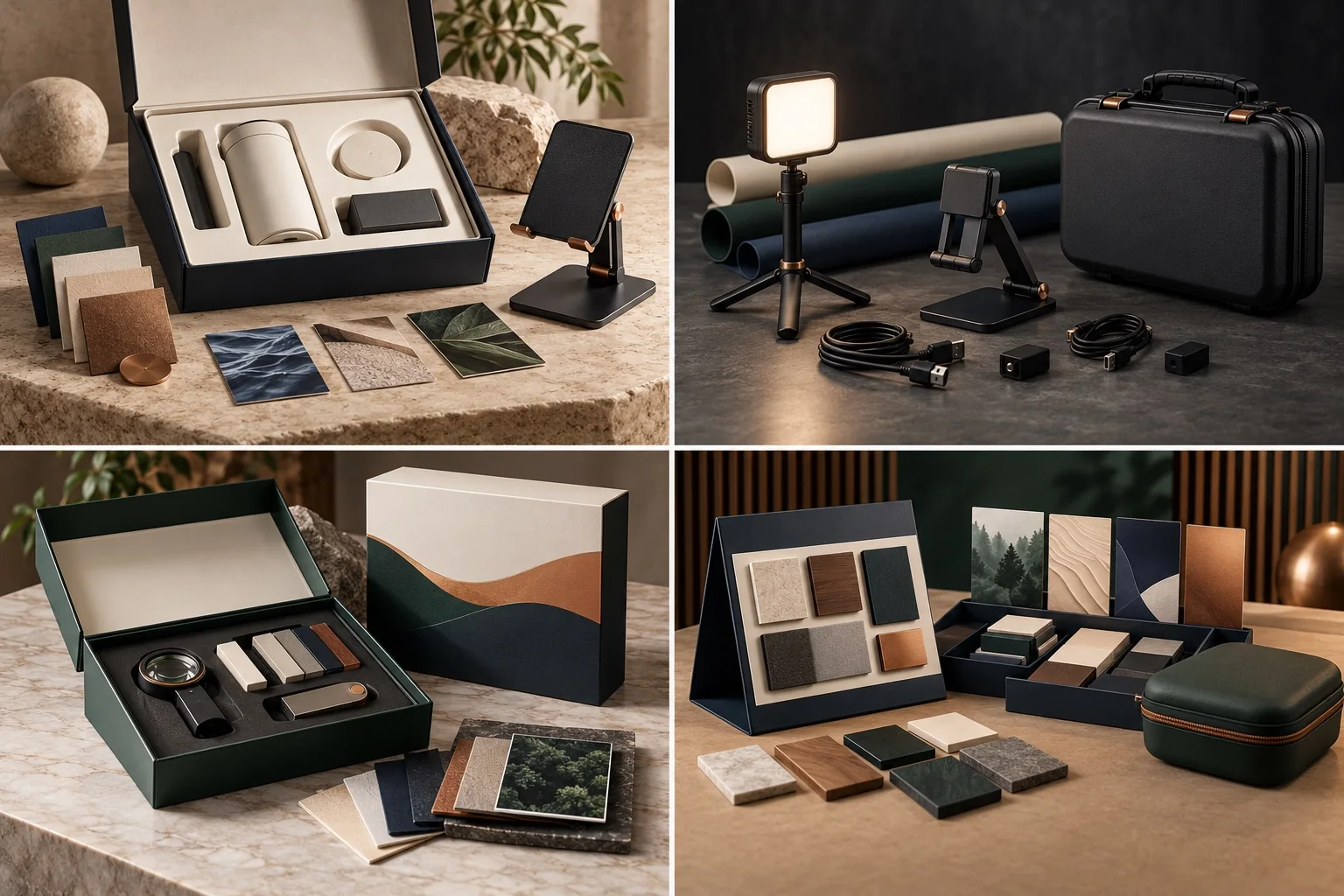
Reveal & Demo merchandise set direction
Direction 01

Reveal & Demo

Stages the core item, material story and viewing angle so the opening sequence supports the product narrative.

Suggested components: Molded insert · product position · display stand · material swatches · story cards
Creator Capture merchandise set direction
Direction 02

Creator Capture

Gives content partners a compact setup for lighting, positioning and protecting the launch materials.

Suggested components: LED light · tabletop stand · cable kit · backdrop materials · hard case
Press Preview merchandise set direction
Direction 03

Press Preview

Organizes details for closer examination when finish, construction and comparison matter to coverage.

Suggested components: Sample case · inspection loupe · material cards · USB item · outer sleeve
Sales Enablement merchandise set direction
Direction 04

Sales Enablement

Turns product variations and talking points into a portable demonstration system for customer meetings.

Suggested components: Demo organizer · sample tiles · display stand · reference cards · carry case
Launch-kit routes

Give each audience the context it needs.

The launch system can stay visually coherent while the explanatory depth, supporting objects and delivery timing change by recipient.

Route 01

Editorial discovery

A paced reveal gives media or creators enough context to understand and demonstrate the central product story.

Route 02

Priority preview

A concise package offers customers or partners early access without overwhelming the primary launch item.

Route 03

Internal enablement

A durable, reference-led version helps sales or field teams present the launch consistently.

Story, protection and timing

Prototype the opening sequence before production.

Launch work needs alignment between narrative, physical fit and arrival date. A screen mockup alone cannot answer every question about movement, finish or reveal order.

01

Set the first impression

Define what appears immediately and what should be discovered later.

02

Engineer the interior

Map product dimensions, support pieces, protection and removal sequence.

03

Align audience versions

Adjust context and supporting elements without fragmenting the launch identity.

04

Approve the proof route

Confirm artwork, structural evidence, physical samples where needed and shipment timing.

Project fit

Use this route when the package must explain, reveal and protect.

This route serves coordinated launches and media outreach. A simple promotional giveaway with no reveal sequence belongs elsewhere.

Strong fit

  • Press, creator and media mailers
  • Priority customer or partner previews
  • Sales and field launch enablement
  • Packages built around a central launch product

Reconsider the route

  • Unrelated items added only to fill space
  • Campaigns with no defined launch story
  • Fragile contents without time for structural review
Buyer questions

Product Launch & Media Kits FAQ.

The answers below clarify how narrative, physical packaging and recipient versions come together without implying a fixed kit.

Core inputLaunch story, primary item, audience and arrival date.
Proof pathStructure and finish may require physical review.
Can the launch product be supplied by our team?
Potentially. Dimensions, weight, handling requirements, delivery to the assembly point and responsibility boundaries must be confirmed before the packaging route is approved.
How do media and customer versions stay connected?
Keep the same launch idea, visual system and primary reveal, then vary explanatory depth or supporting objects according to the recipient’s role.
Can you help plan the order in which items are seen?
Yes. The reveal can be mapped through packaging layers, inserts and product placement, subject to structural and production feasibility.
When is a physical sample needed?
A sample may be appropriate when material feel, product fit, movement, color or opening behavior cannot be resolved reliably from digital evidence.
Can launch kits be sent to multiple recipients?
Multi-address planning is possible once the address count, destination mix, packout, shipment ownership and required arrival window are available.
Frame the launch proof

Show us what this audience needs to discover first.

Name the product, recipient group and desired action after opening. We will shape the hierarchy, inserts and supporting tools around that launch objective.

Define the launch audience and proof.

Share the launch date and what the recipient needs to understand or demonstrate.

Response promiseYou’ll hear from us within 24 hours.

By submitting this form, you agree that MerchWorthy may use the information provided to review and respond to your inquiry. Please do not include payment information, recipient address lists, passwords, or other highly sensitive personal data. Read the Privacy Policy.